PlayStation Portal Review: Is It Worth Buying for PS5?
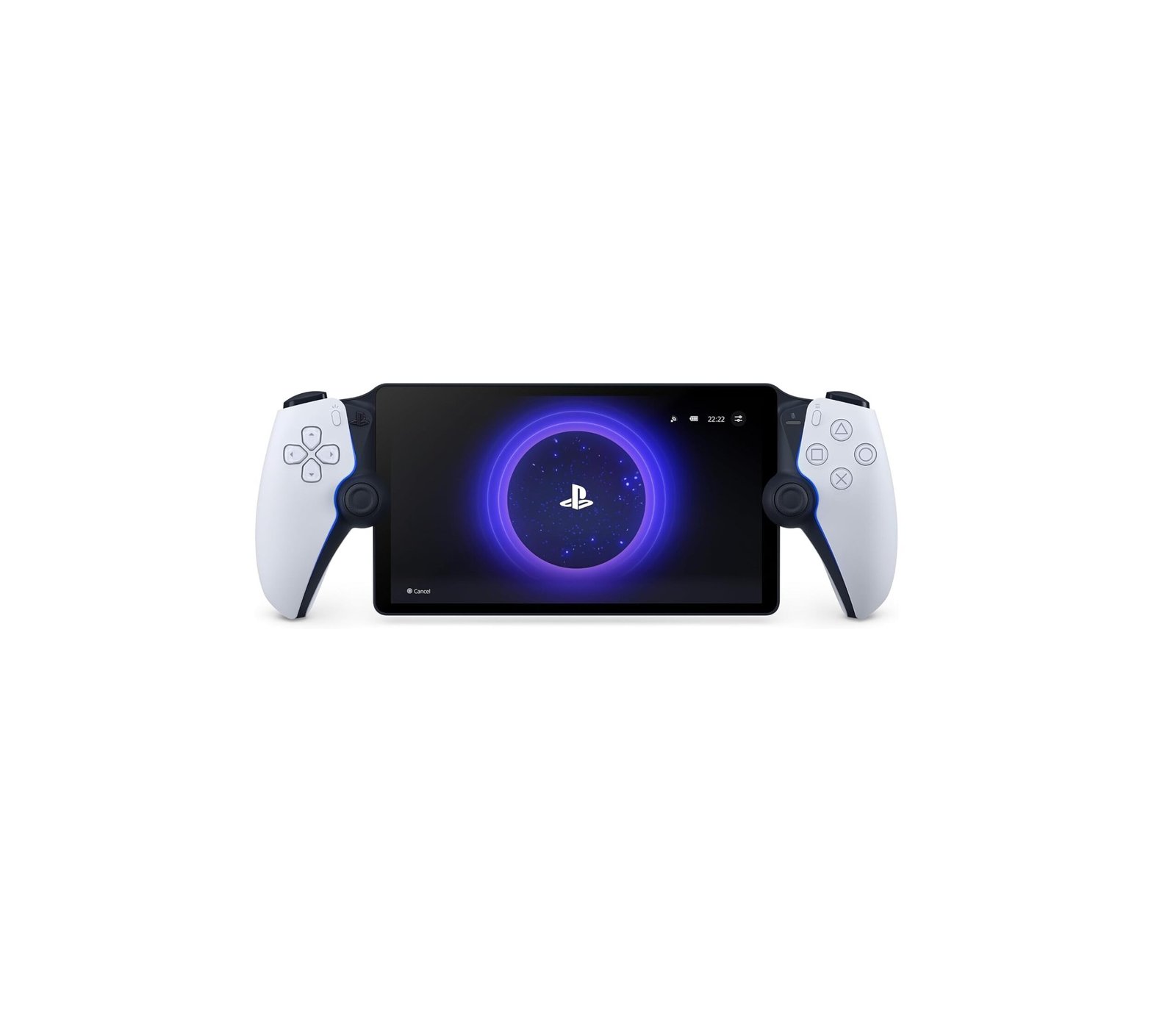
The PlayStation Portal Remote Player is Sony’s dedicated handheld streaming device for PlayStation 5.
It combines an 8-inch 1080p LCD display, up to 60fps streaming, DualSense-style adaptive triggers and haptic feedback, giving PS5 owners a convenient way to play away from the TV.
Thanks to newer Cloud Streaming support, PlayStation Plus Premium members can also stream select PS5 games directly without connecting to their own PS5 console.
PlayStation Portal Specs
| Feature | Specification |
|---|---|
| Display | 8-inch LCD Touchscreen |
| Resolution | 1920 × 1080 |
| Refresh / Frame Rate | Up to 60Hz / 60fps |
| Controls | DualSense-Style |
| Adaptive Triggers | Yes |
| Haptic Feedback | Yes |
| Wi-Fi | Wi-Fi 5 / 802.11ac |
| Wireless Audio | PlayStation Link |
| Headphone Jack | 3.5mm |
| Bluetooth Audio | No Standard Bluetooth Headphones |
| Battery | 4,370mAh |
| Charging | USB-C |
| Charge Time | Approx. 2.5 Hours |
| Weight | Approx. 529g |
| Local Games | No |
| Cloud Streaming | Yes, with PS Plus Premium |
Sony’s official manual confirms the 8-inch Full HD LCD touchscreen, Wi-Fi 5, 4,370mAh battery and approximately 529g weight.
8-Inch 1080p Display
The Portal features an 8-inch Full HD LCD display capable of streaming games at up to 1080p and 60fps.
The screen is larger than many handheld consoles and works especially well for:
- RPGs
- Racing games
- Action games
- Sports games
- Casual PS5 gaming
However, it is still a standard LCD rather than OLED.
DualSense Controls
One of the Portal’s biggest strengths is its controller design.
The device essentially places an 8-inch display between two DualSense-style controller halves.
Supported games can use:
Adaptive triggers
Haptic feedback
Touch controls
Dual analog sticks
Sony confirms that haptic feedback and adaptive triggers work when supported by the individual game.
This gives the Portal a much more authentic PS5 experience than using Remote Play on a smartphone with basic controls.
Remote Play
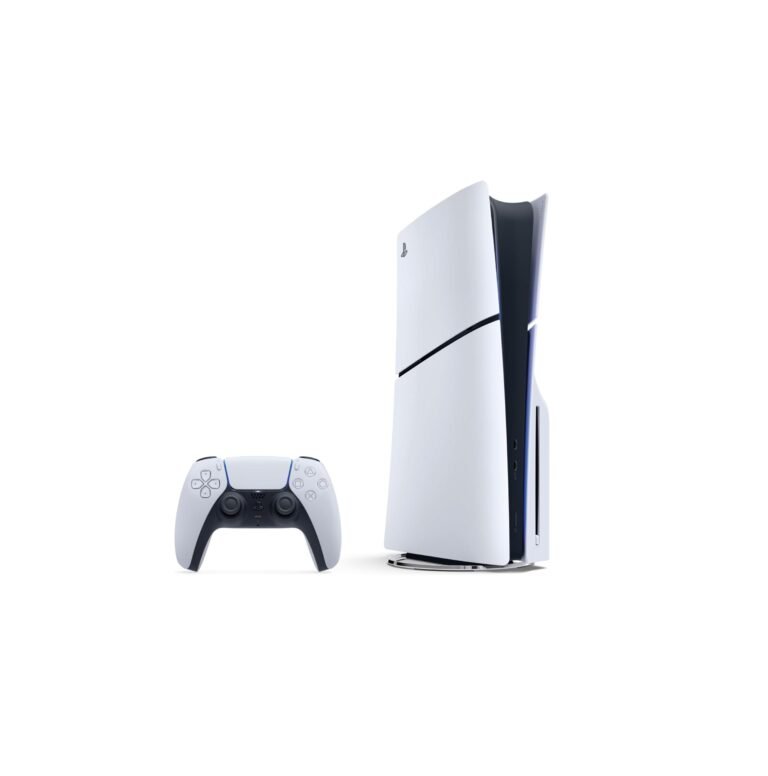
Traditional Remote Play connects the Portal directly to your PS5 over the internet.
Your PS5 must be:
- Turned on or in Rest Mode
- Connected to the internet
- Paired with your Portal
- Configured for Remote Play
Sony recommends at least 15Mbps for a better experience, although actual performance depends heavily on network quality and latency.
For the best experience, Sony recommends connecting the PS5 itself to the router using Ethernet and using 5GHz Wi-Fi for the Portal.
Cloud Streaming
Cloud Streaming has significantly improved the Portal since launch.
PlayStation Plus Premium members can now stream compatible PS5 games directly from Sony’s cloud without connecting to their personal PS5.
This includes:
- Select PS5 games from the Game Catalog
- Select games from the Classics Catalog
- Select digital PS5 games from your own library
Sony requires approximately:
5Mbps minimum
7Mbps for 720p
13Mbps for 1080p
for cloud streaming.
This makes the Portal considerably more useful in 2026 than it was at launch.
Can You Use It Without a PS5?
Yes — but only for supported Cloud Streaming games with PlayStation Plus Premium.
For regular Remote Play, a PS5 is still required.
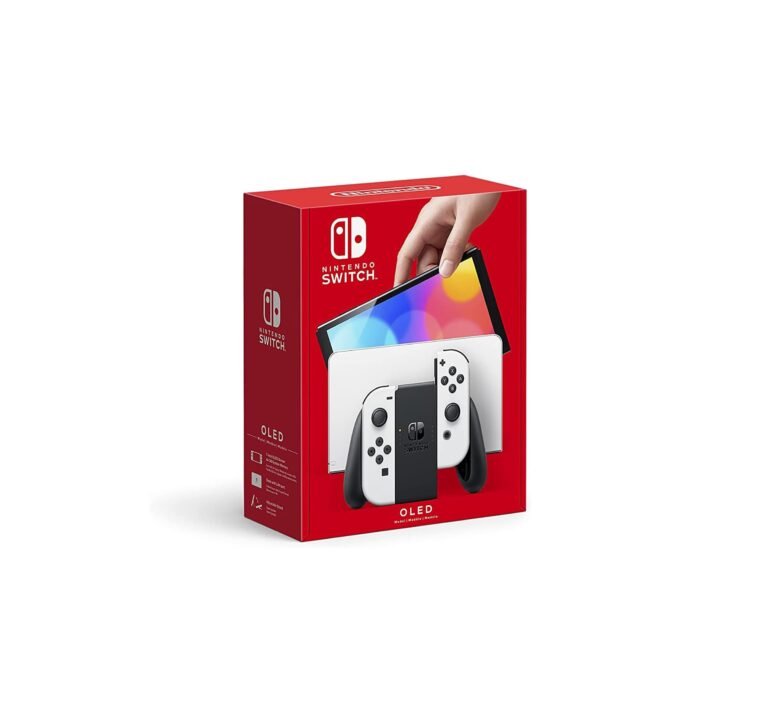
This distinction is important because the Portal is not a traditional standalone gaming console like a Nintendo Switch or Steam Deck.
No Local Game Storage
The Portal does not install or run PS5 games locally.
There is no internal game storage, game cartridge slot or native PS5 processor.
Everything is streamed either:
- From your PS5
- From PlayStation Cloud Streaming
This means network quality directly affects image quality and responsiveness.
Network Performance
Streaming quality can vary significantly.
Sony recommends at least 15Mbps for Remote Play, but bandwidth alone does not guarantee smooth performance. Router quality, network congestion and latency also matter.
Independent testing has found that the Portal can feel very responsive on a strong network but can suffer from stutter, resolution drops and input delay on weaker setups.
Competitive players may notice latency more than users playing RPGs or slower single-player games.
Battery
The Portal contains a 4,370mAh rechargeable lithium-ion battery.
Sony lists a charging time of approximately 2 hours and 30 minutes when charging from an appropriate source.
Real-world runtime depends on screen brightness, audio volume and network conditions.
Audio
The Portal includes:
- Built-in stereo speakers
- 3.5mm headphone jack
- PlayStation Link wireless audio
Compatible PlayStation Link products include devices such as Pulse Explore earbuds and Pulse Elite headphones.
No Standard Bluetooth Headphones
One of the biggest limitations is the lack of regular Bluetooth headphone support.
Sony officially supports:
3.5mm wired headphones
PlayStation Link wireless devices
but not ordinary Bluetooth earbuds or headphones.
That can be frustrating for users who already own AirPods, Galaxy Buds or other Bluetooth headphones.
Public Wi-Fi
Newer firmware has improved travel support.
The Portal can now connect to certain public Wi-Fi networks that require browser-style authentication, although a smartphone or tablet may be required to complete the login process.
This makes it more useful in:
- Hotels
- Cafés
- Airports
- Friends’ homes
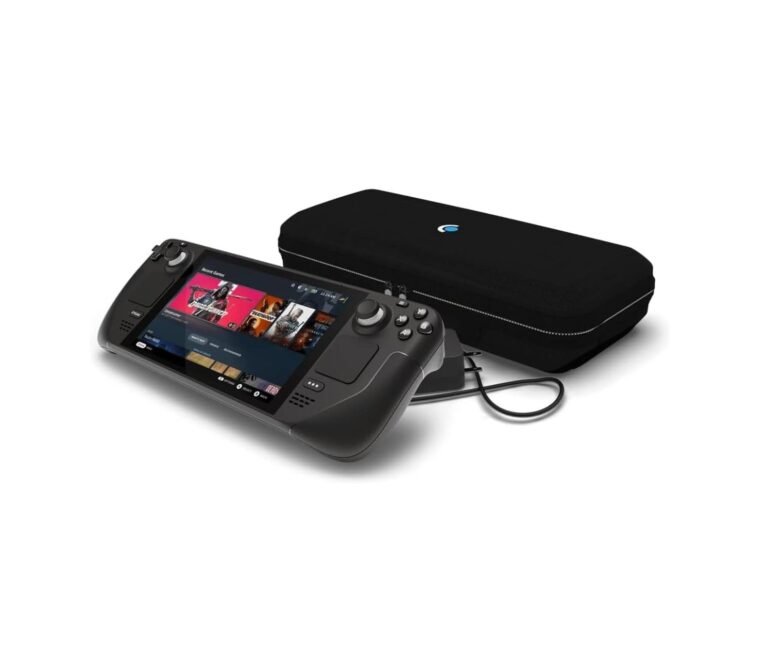
Portal vs Steam Deck
| Feature | PlayStation Portal | Steam Deck OLED |
|---|---|---|
| Screen | 8″ LCD | 7.4″ OLED |
| Resolution | 1080p | 800p |
| Refresh | 60Hz | 90Hz |
| Runs Games Locally | No | Yes |
| PS5 Remote Play | Excellent | Possible via Third-Party Solutions |
| Cloud Streaming | PS Plus Premium | Multiple Services |
| DualSense Features | Yes | No |
| Storage | None | 512GB / 1TB |
| Weight | 529g | ~640g |
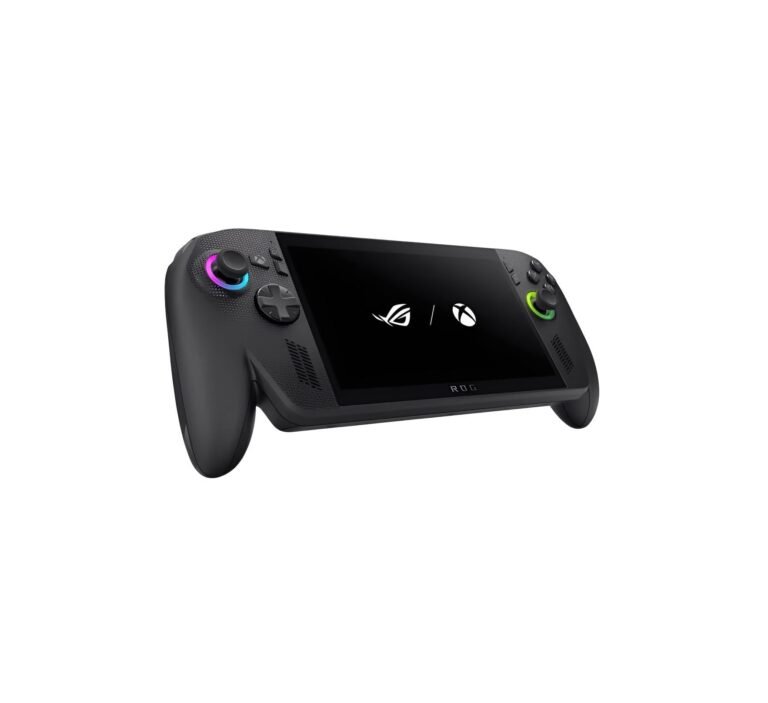
The Portal is much simpler and lighter, while Steam Deck is a complete standalone gaming PC.
Pros
✓ Large 8-inch 1080p display
✓ Excellent DualSense-style controls
✓ Adaptive triggers
✓ Haptic feedback
✓ Up to 60fps streaming
✓ Cloud Streaming with PS Plus Premium
✓ Can stream some games without your PS5
✓ Comfortable for long PS5 sessions
✓ 3.5mm headphone jack
Cons
✗ No local game installation
✗ Performance depends heavily on Wi-Fi
✗ Only 60Hz
✗ LCD instead of OLED
✗ No normal Bluetooth headphone support
✗ Cloud Streaming requires PS Plus Premium
✗ Competitive games can expose streaming latency
PlayStation Portal Rating
Display: 9.0/10
Controls: 9.8/10
Remote Play: 9.1/10
Cloud Streaming: 9.0/10
Comfort: 9.3/10
Battery: 8.4/10
Connectivity: 8.1/10
Value: 8.8/10
Overall: 9.0/10
Verdict
The PlayStation Portal is a much more capable device in 2026 than it was at launch.
Its biggest strengths are the 8-inch 1080p screen, excellent DualSense controls and the addition of direct PS5 Cloud Streaming through PlayStation Plus Premium.
The main limitation remains that it is fundamentally a streaming device. There are no locally installed games, and your experience depends heavily on network quality.
For PS5 owners who often lose access to the main TV or want to continue playing around the house, the Portal is a convenient companion. Cloud Streaming also makes it more useful away from your own PS5 than it was when originally released.