Best Laptops Under $500 in 2026
You do not need to spend $1,000 to get a decent laptop for school, web browsing, Microsoft Office and everyday work.
The best laptops under $500 in 2026 include affordable Windows notebooks and surprisingly capable Chromebooks with Full HD displays, SSD storage and modern processors.
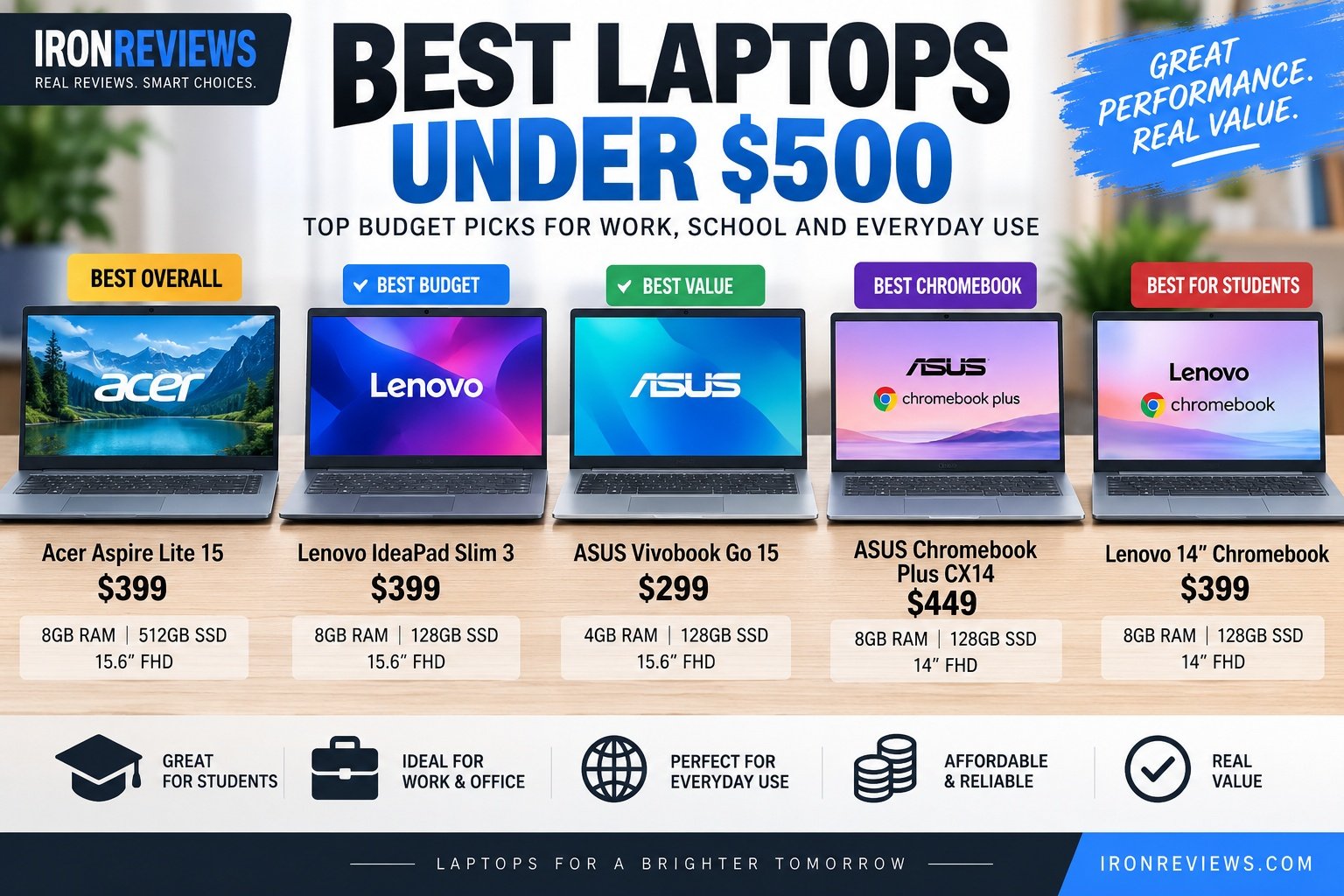
Best Laptops Under $500 – Quick Comparison
| Laptop | Best For | RAM | Storage | Typical Price* |
|---|---|---|---|---|
| Acer Aspire Lite 15 | Best Overall Windows | 8GB | 512GB SSD | ~$499 |
| Lenovo IdeaPad Slim 3 | Best Budget Windows | 8GB | 128GB SSD | ~$399 |
| ASUS Vivobook Go 15 | Cheapest Windows Option | 4GB | 128GB | ~$299 |
| ASUS Chromebook Plus CX14 | Best Chromebook | 8GB | 128GB | ~$449 |
| Lenovo 14″ Chromebook | Best for Students | 8GB | 128GB | ~$399 |
*Prices checked in Canada in September 2026 and can change.
1. Acer Aspire Lite 15 – Best Overall
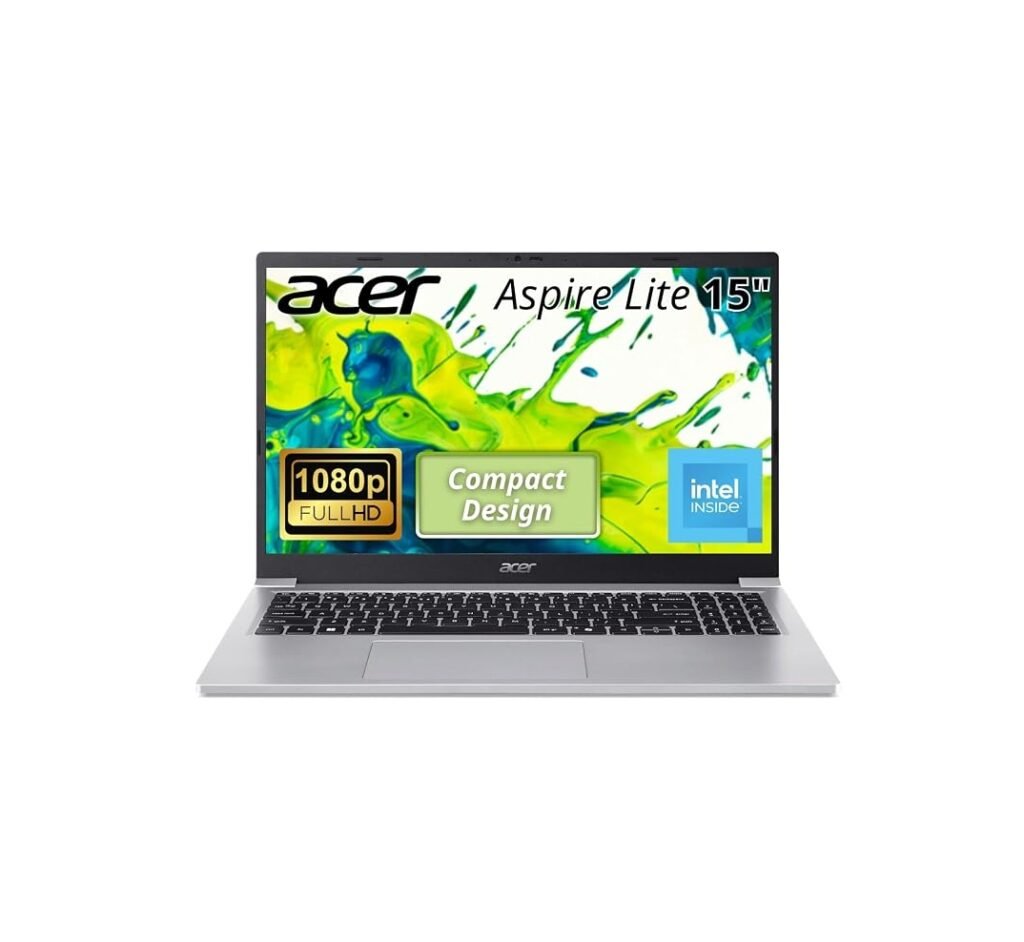
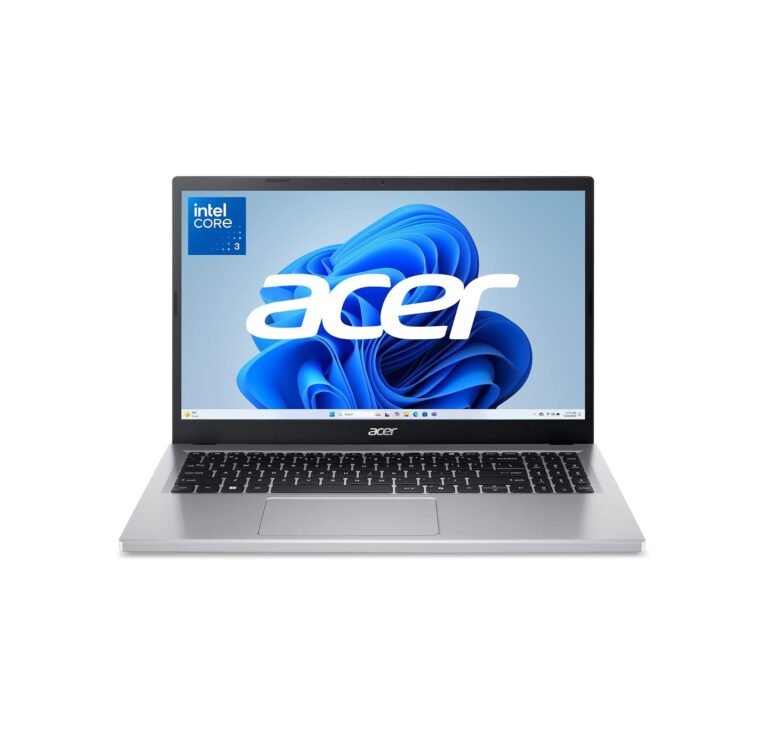
The Acer Aspire Lite 15 offers one of the strongest specifications currently available below $500.
It features an Intel N150 processor, 8GB RAM, 512GB SSD and 15.6-inch Full HD display. Acer lists configurations with DDR5 memory, Wi-Fi 6 and up to approximately nine hours of battery life.
Best Buy Canada recently listed an 8GB/512GB configuration for around C$499.99.
Pros
✓ 512GB SSD
✓ 8GB RAM
✓ Full HD display
✓ Wi-Fi 6 on selected configurations
✓ Excellent value
Cons
✗ Intel N150 is designed for basic workloads
✗ Integrated graphics
✗ Display quality is basic
Rating: 8.8/10
Best for: School, Office, browsing, streaming and everyday productivity.
2. Lenovo IdeaPad Slim 3 – Best Budget Windows Laptop
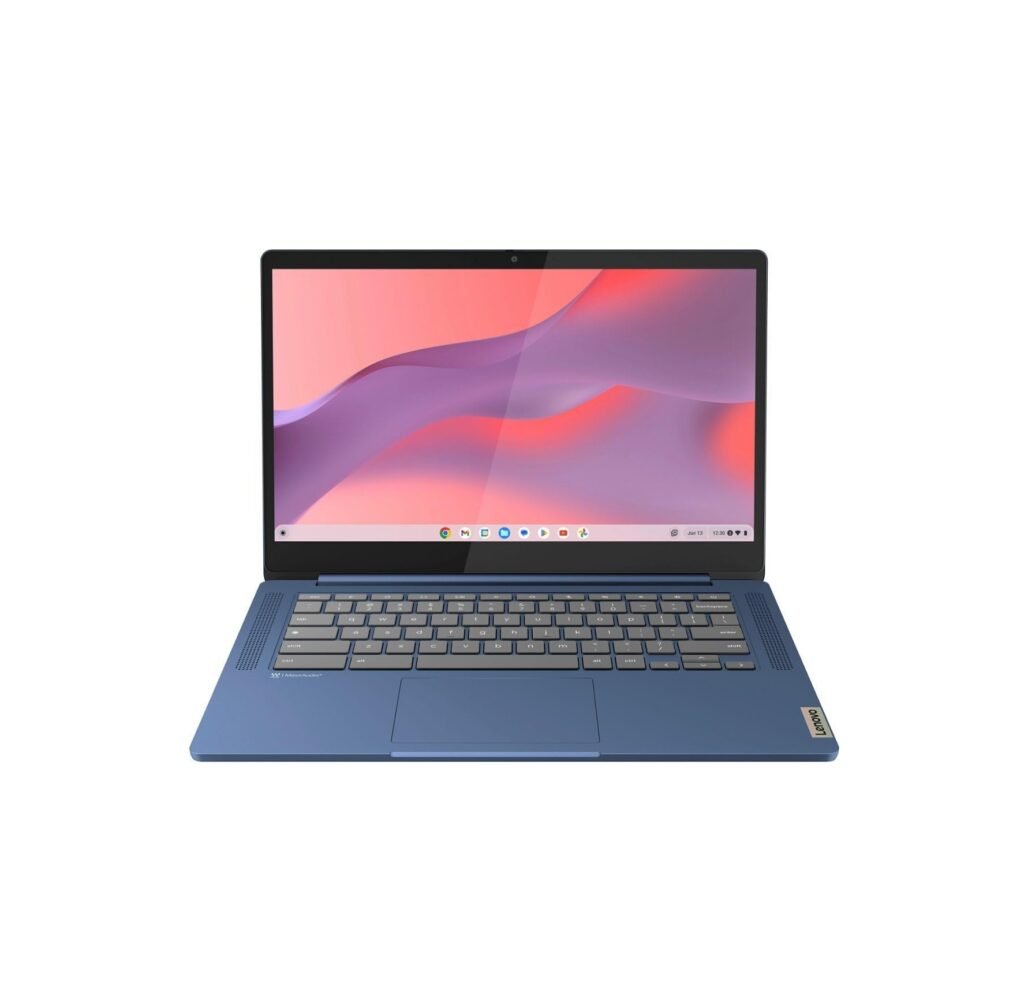
The Lenovo IdeaPad Slim 3 is another inexpensive Windows option for basic productivity.
Current Canadian configurations can include 8GB LPDDR5 memory, 128GB SSD storage and Windows 11 Home.
Best Buy Canada recently listed a 15.6-inch model for approximately C$399.99.
It is suitable for:
- Microsoft Office
- Web browsing
- Zoom
- School assignments
- Streaming
Pros
✓ 8GB RAM
✓ SSD storage
✓ Full Windows 11
✓ Large 15.6-inch screen
✓ Affordable
Cons
✗ Only 128GB storage
✗ Entry-level processor
✗ Not designed for gaming
Rating: 8.5/10
Best for: Students and basic home-office work.
3. ASUS Vivobook Go 15 – Best Cheap Windows Laptop
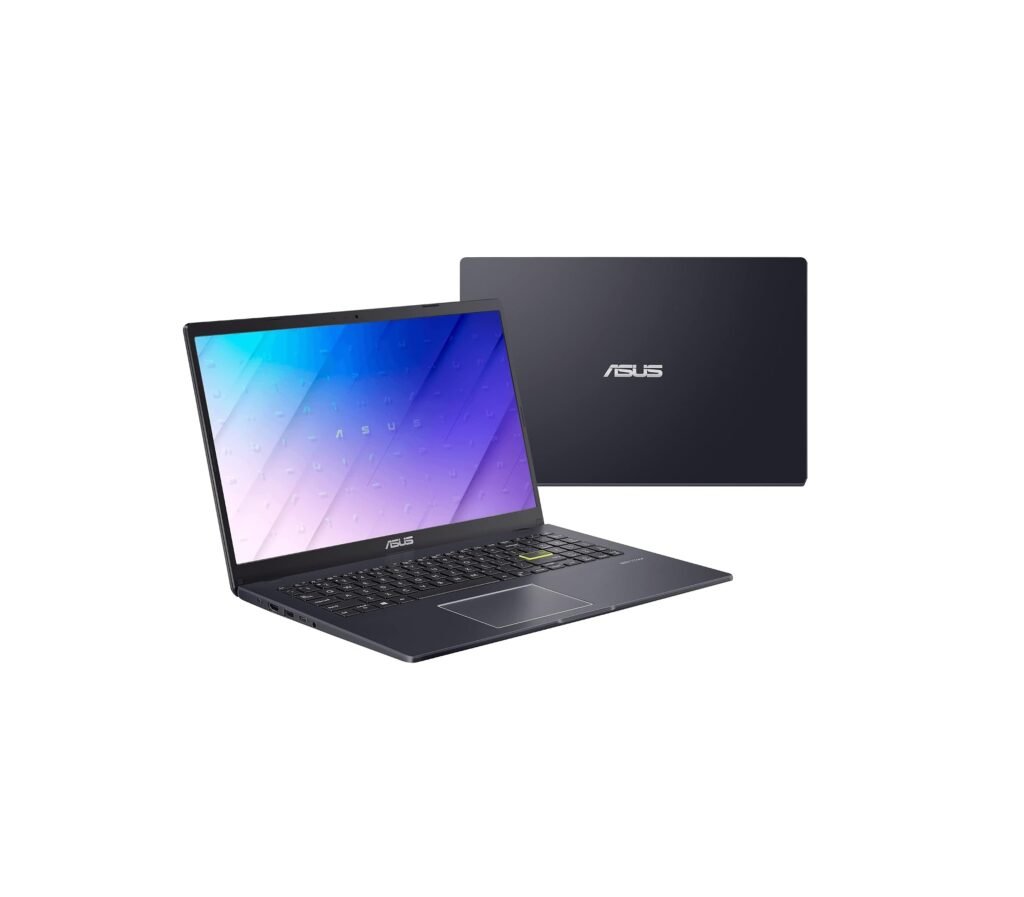
If you want to spend as little as possible, the ASUS Vivobook Go 15 is worth considering.
A current Intel N150 configuration includes a 15.6-inch display, 4GB LPDDR5 RAM and 128GB storage, with Canadian sale pricing around C$299.99.
ASUS lists the N150 platform with Wi-Fi 6, Bluetooth 5.2 and a 42Wh battery.
Pros
✓ Very affordable
✓ 15.6-inch display
✓ Windows 11
✓ Wi-Fi 6
✓ Lightweight design
Cons
✗ Only 4GB RAM
✗ Only 128GB storage
✗ Limited multitasking performance
Rating: 8.1/10
Best for: Browsing, Netflix, email and very light schoolwork.
4. ASUS Chromebook Plus CX14 – Best Chromebook Under $500
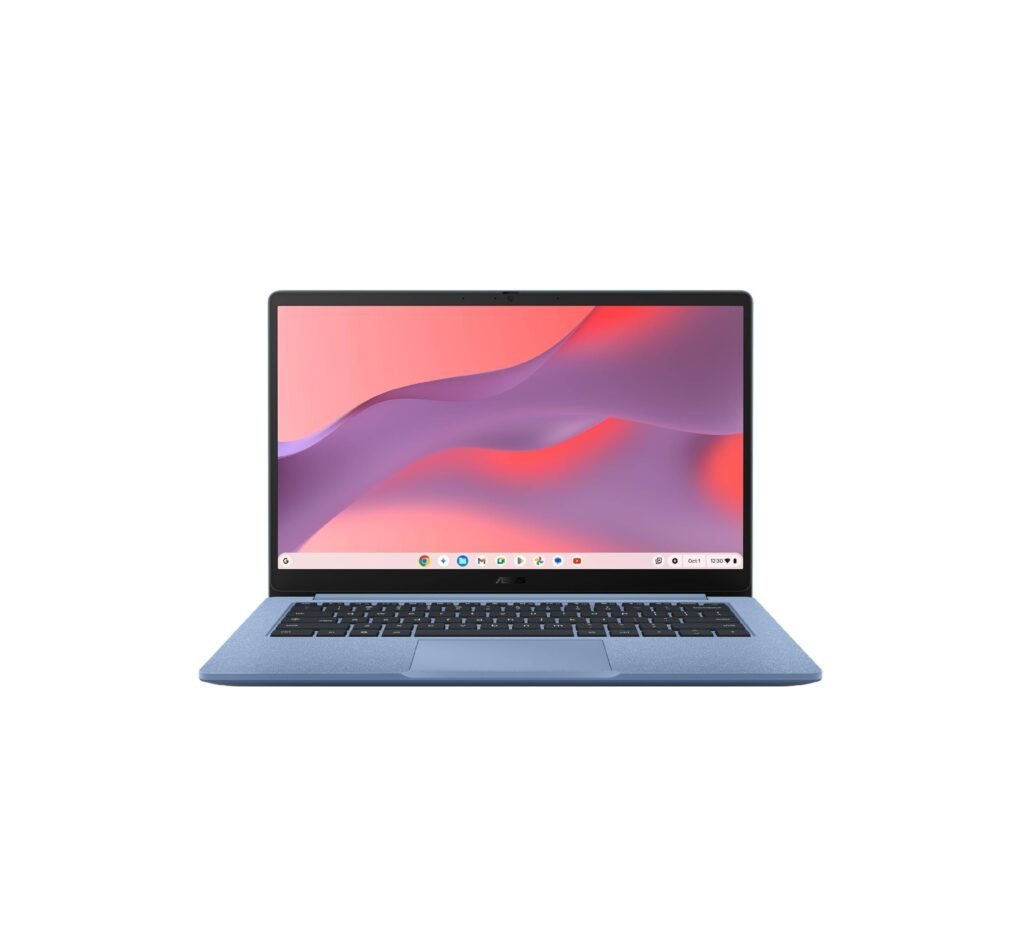
The ASUS Chromebook Plus CX14 is one of the strongest options if you do not need Windows.
Current configurations combine an Intel Core 3 N355 processor, 8GB LPDDR5 memory and 128GB storage.
Best Buy Canada recently listed it for approximately C$449.99.
ASUS also markets this model as part of its Chromebook Plus lineup designed for students and cloud-based productivity.
Pros
✓ Strong performance for ChromeOS
✓ 8GB RAM
✓ Fast and simple ChromeOS
✓ Excellent for Google Docs and web apps
✓ Good student laptop
Cons
✗ ChromeOS instead of Windows
✗ Limited Windows software compatibility
✗ 128GB storage
Rating: 9.0/10
Best for: Students, Google Workspace and browser-based work.
5. Lenovo 14-Inch Chromebook – Best for Students
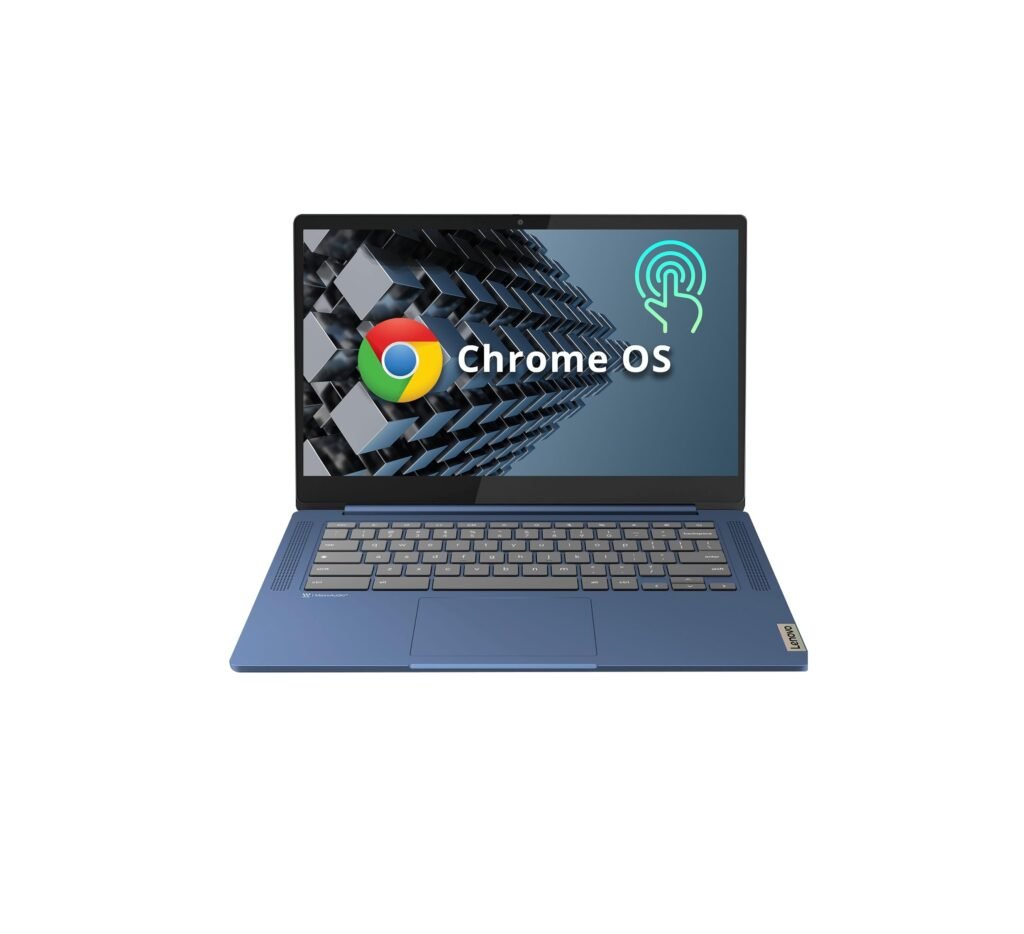
The Lenovo 14-inch Chromebook is another strong low-cost student option.
A current configuration uses the MediaTek Kompanio 540, with up to 8GB LPDDR5X memory and 128GB storage. Lenovo’s specifications show an eight-core processor and modern USB-C connectivity.
Best Buy Canada recently listed an 8GB / 128GB touchscreen configuration around C$399.99.
Pros
✓ 8GB RAM
✓ Touchscreen configurations available
✓ Good battery efficiency
✓ Lightweight ChromeOS
✓ Excellent for school
Cons
✗ Limited PC gaming
✗ ChromeOS software limitations
✗ Modest processor performance
Rating: 8.7/10
Best for: School, Google Classroom and everyday browsing.
What to Look for Under $500
For a laptop in this price range, try to get at least:
8GB RAM whenever possible
256GB or 512GB SSD for Windows
1920 × 1080 Full HD display
Wi-Fi 6 if available
USB-C connectivity
Avoid Windows laptops with only 4GB RAM and 64GB storage unless the price is extremely low.
ChromeOS can work much better than Windows on very low-end hardware.
Can You Game on a $500 Laptop?
These laptops are not gaming machines.
Integrated graphics are suitable for lighter games such as:
- Minecraft
- Roblox
- League of Legends
- Older PC games
- Cloud gaming
Modern AAA games generally require a laptop with dedicated graphics, which normally costs considerably more.
Best Laptop Under $500: Verdict
For most buyers, the Acer Aspire Lite 15 offers the best balance of specifications and price thanks to its 8GB RAM and large 512GB SSD.
The ASUS Chromebook Plus CX14 is a stronger choice for students who mainly use Google Docs, web apps and streaming, while the inexpensive ASUS Vivobook Go 15 works well when keeping the purchase price as low as possible.
At this price level, sales matter a lot. A laptop normally priced at $550–$700 can occasionally fall below $500 and offer significantly better specifications.