ASUS Vivobook 16 vs ZenBook 14: Which Laptop Fits Your Work?
Our linked reviews may contain affiliate links. If you buy through those links, IRONreviews may earn a commission at no extra cost to you. As an Amazon Associate I earn from qualifying purchases. See our Affiliate Disclosure.
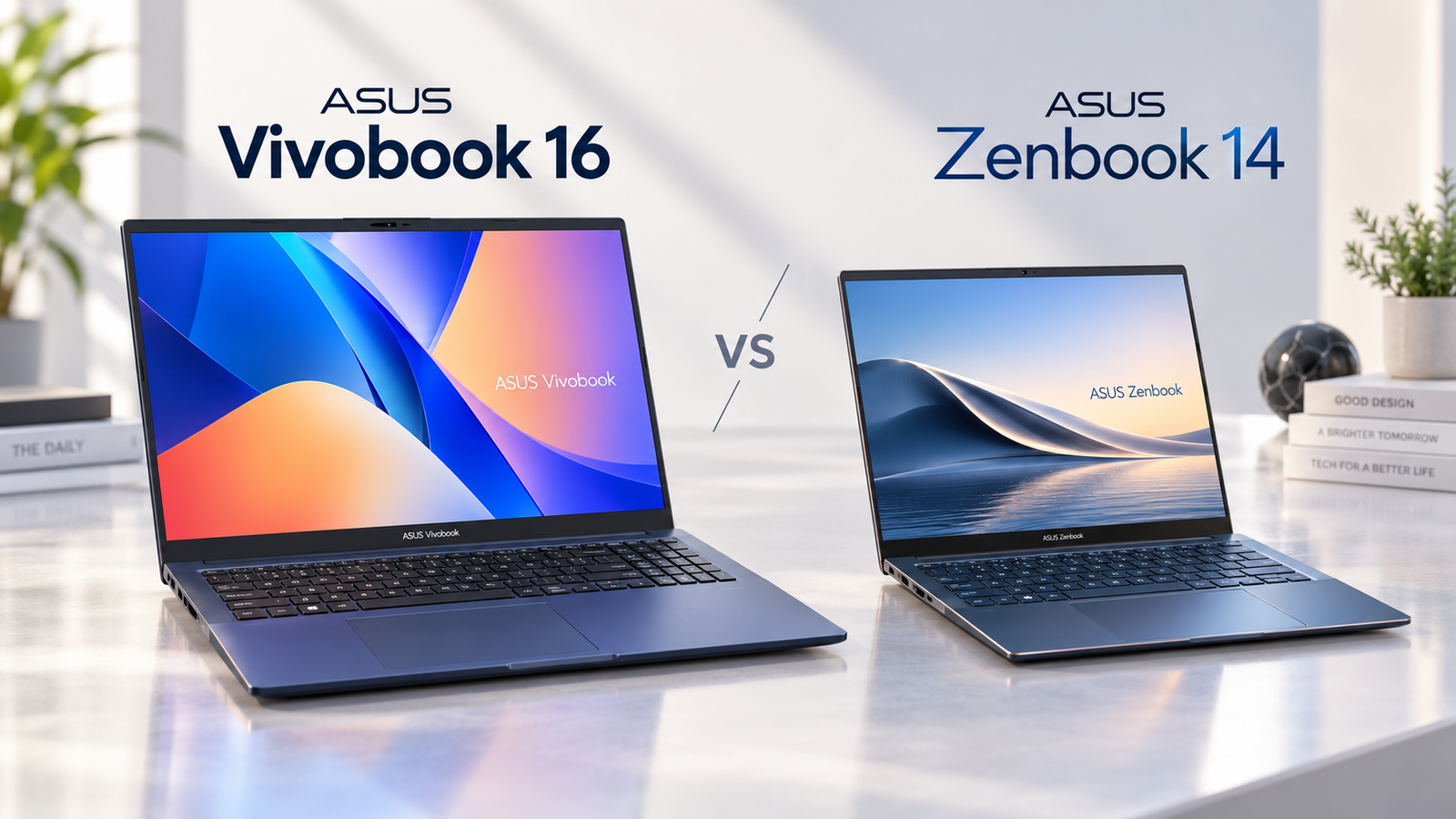
Quick choice: Start with the Vivobook 16 if a larger built-in screen is your priority. Start with the ZenBook 14 if you carry your laptop often. Then compare the exact configuration: a family name does not tell you which panel, processor or memory you are buying.
Guide basis: This is a comparison of published specifications and buying criteria. We have not tested these laptops side by side or independently measured battery life, performance, display quality or keyboard comfort.
The practical differences
The examples below are ASUS’s X1607 Vivobook and UX3405 ZenBook families. They do not cover every laptop sold under either name.
| Detail | Vivobook 16 X1607 family | ZenBook 14 UX3405 family |
|---|---|---|
| Display size | 16 inches | 14 inches |
| Listed panel options | WUXGA 60Hz or 2.5K 144Hz | WUXGA 60Hz or 3K 120Hz OLED |
| Listed weight options | 1.88–1.89kg | 1.20–1.28kg |
These are options on ASUS’s global specification pages, not a promise that one retailer sells every combination. Match the full model code and regional specifications before ordering.
Choose for your workspace
Mostly at a desk: The Vivobook’s larger panel may suit documents, spreadsheets and working without an external monitor. A bigger diagonal means a physically larger screen; how much content fits also depends on resolution and display scaling.
Regularly on the move: The ZenBook family’s smaller dimensions and lower listed weights make it the first one to check for commuting or travel. Compare the exact unit’s weight and include the charger and accessories you will carry.
Do not choose a performance winner from size alone. Processor, memory, cooling and the particular workload matter. Published specifications cannot establish which exact laptop finishes your work faster or lasts longer unplugged.
Check the display beyond its name
OLED does not automatically mean 120Hz or a touchscreen. ASUS lists both WUXGA 60Hz and 3K 120Hz OLED options for UX3405. Vivobook X1607 also has materially different panels: its listed 300-nit WUXGA option and 400-nit 2.5K option are not interchangeable.
Check resolution, refresh rate, brightness, touch support and color gamut in the seller’s exact configuration. For photo work, seek independent measurements of accuracy and uniformity; a published gamut figure alone cannot establish either.
Five checks before checkout
- Model: get the full model code, not just “Vivobook 16” or “ZenBook 14.”
- Memory: confirm installed RAM and whether that particular model supports an upgrade.
- Storage: check internal SSD capacity separately from any bundled external storage.
- Connections: confirm the ports and their display, charging and data capabilities for your accessories.
- Total cost: compare the configuration you need, including adapters, warranty region and return terms.
Which should you shortlist?
Choose the Vivobook direction for screen size; choose the ZenBook direction for portability. Neither name guarantees the better deal. Once those priorities are clear, use the configuration notes in our individual reviews before checking the seller’s current listing.
- Read the ASUS Vivobook 16 guide →
- Read the ASUS ZenBook 14 review →
- Compare another everyday option: Acer Aspire Go 15 →